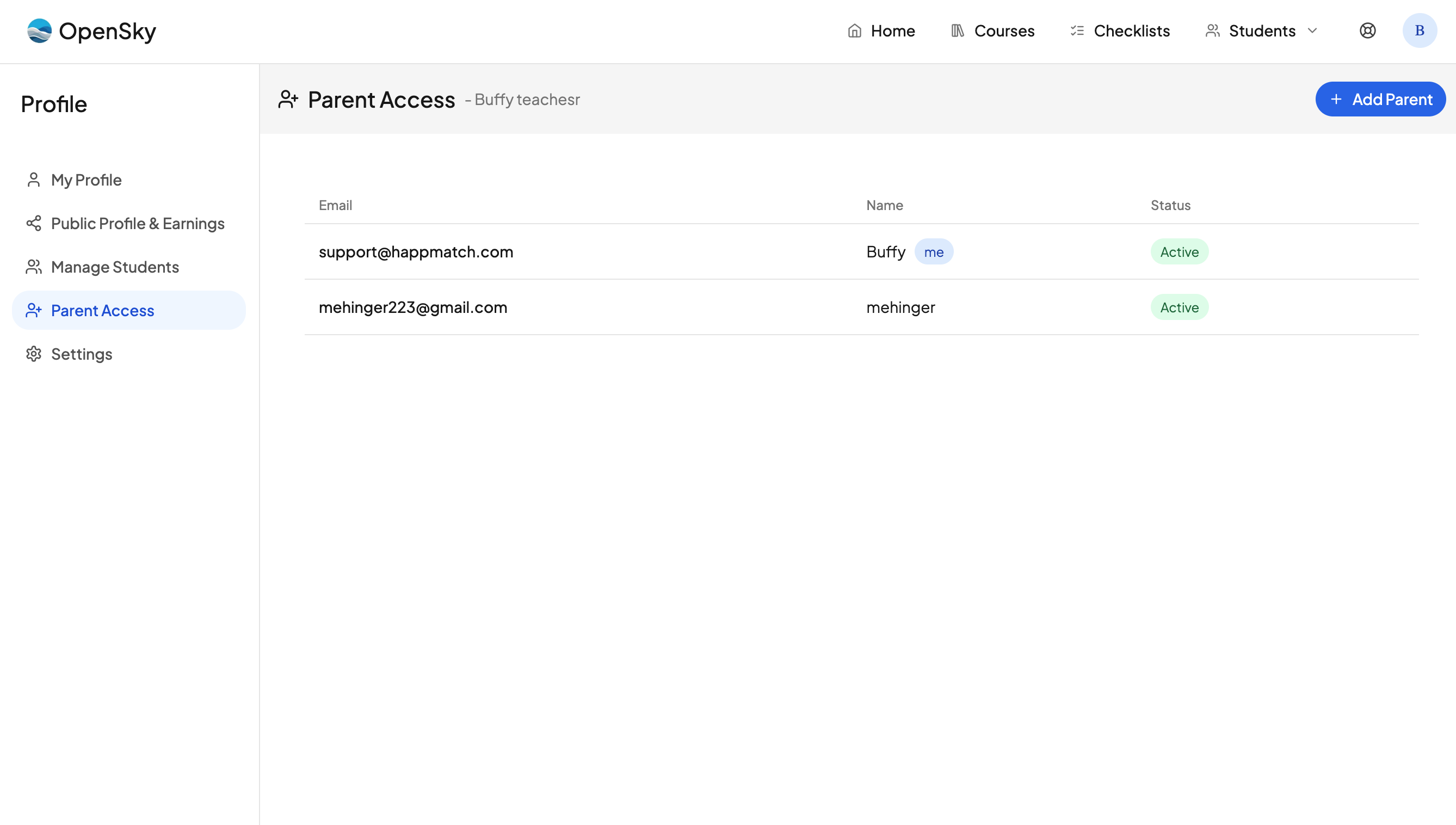
OpenSky allows you to invite as many parents or guardians as you want to manage your homeschool alongside you. Here is how:
- Click your profile icon in the nav.
- Go to Settings.
- Click Parent Access.
- Click Add Parent and enter the parent's email address.
That parent will get an invite to create an account, and they will automatically be set to join your homeschool. Once they log in, they have admin privileges to view all students and all progress.
Inviting a parent never costs you a student slot. Parents do not count toward the number of students on your plan, no matter how many you add.
Parents get a checklist of their own
Every parent also gets their own profile, so they are a person in OpenSky and not just an administrator. That means a parent can:
- Be added to an event, and tick it off when it is done.
- Keep their own book list and track what they are reading.
- Appear under Parents anywhere you pick people — the checklist person menu, event assignees, and book assignees.
Because parents can be picked alongside students, those pickers say People rather than "Students".
To see a parent's checklist, open the person menu in the checklist toolbar and choose their name. Your own row reads "Your name (Me)".
What a parent profile does not do
A parent profile is for the things adults actually do in a homeschool, so it deliberately stays out of your student records. A parent is never enrolled in a school year, which means they never appear in:
- attendance
- the gradebook
- transcripts
- the per-student calendar links on the Calendar Integrations page
You also will not find a parent in your student list, and a parent profile cannot be deleted from there. A parent is removed by removing their account from Parent Access, not by deleting a student.
Need more help?
Reach out any time at support@openskyplanner.com and we will be happy to help.