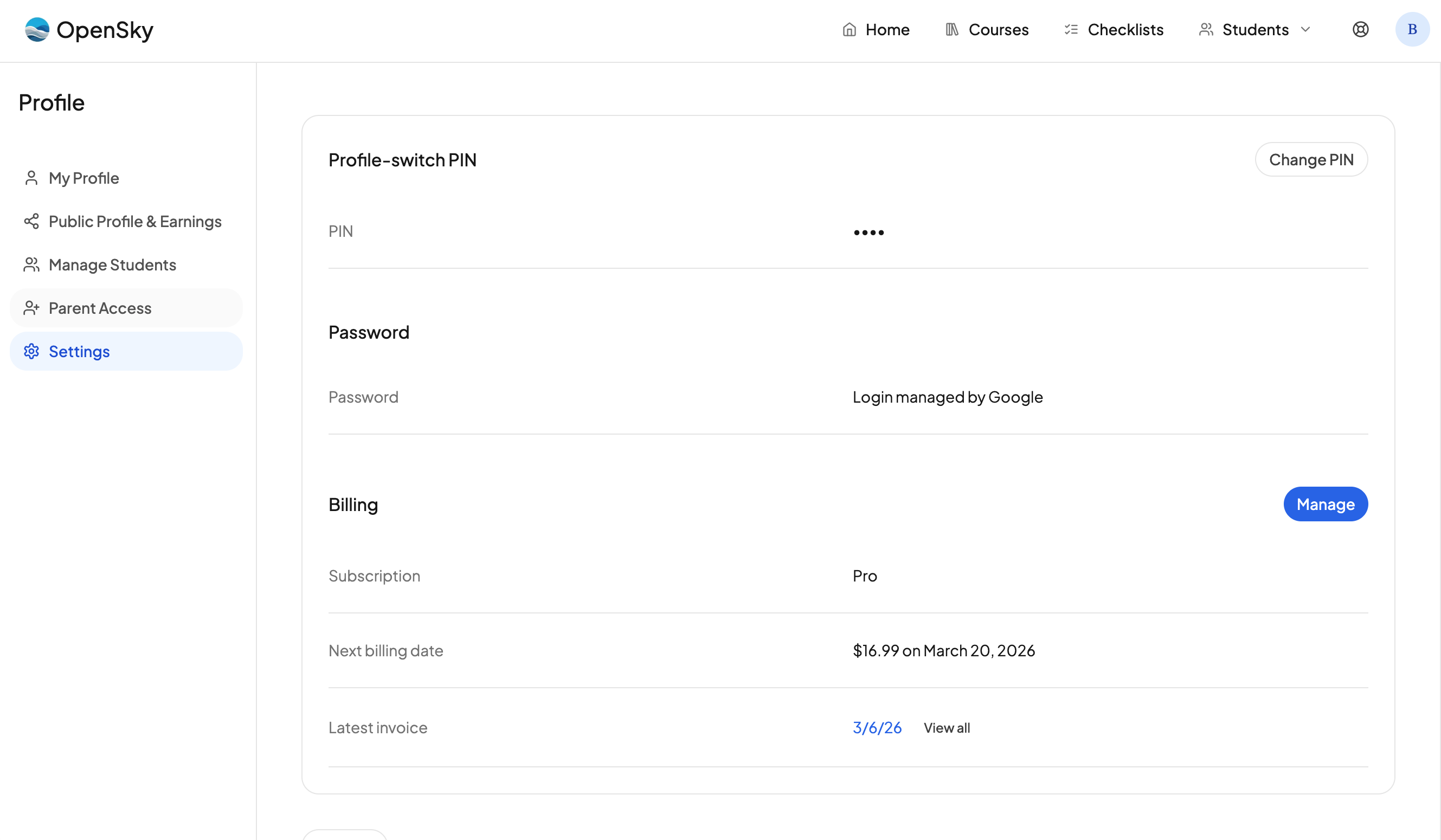
You can manage everything related to billing from your account settings. Here is how to get there:
- Click your profile icon in the nav.
- Go to Settings.
- Click Billing & Passwords in the left nav.
- Look for the Billing section.
Manage your subscription
To manage your subscription, click the Manage button in the billing section. From there you can:
- Cancel your subscription. Click Cancel Subscription.
- Update your card. Update your payment method at any time.
Download an invoice
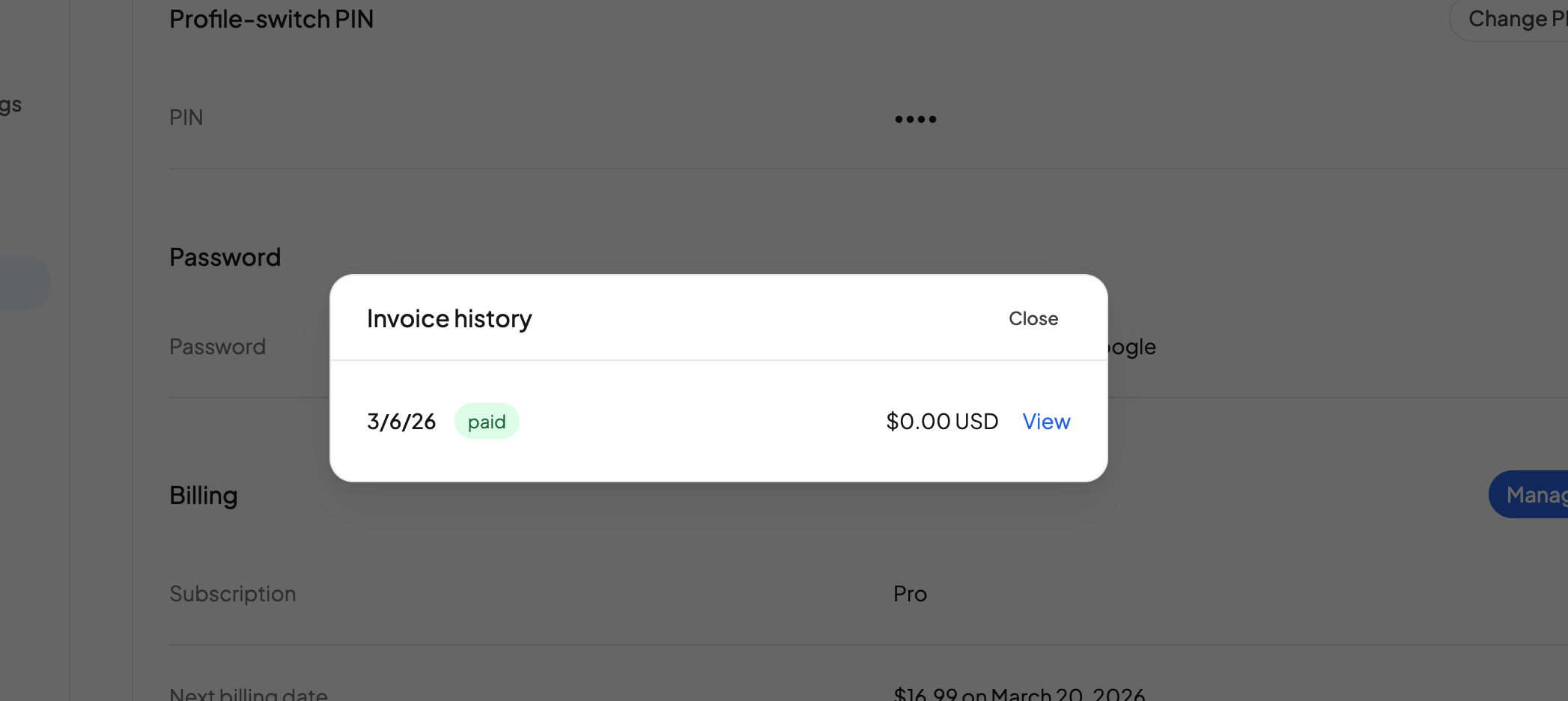
In the billing section, look for the Latest Invoice row. You have two options:
- Click the date of the latest invoice to download the PDF.
- Hit View All to view and download any of your invoices.
Need more help?
Reach out any time at support@openskyplanner.com and we will be happy to help.