
LearningShape
What the LearningShape insight shows about how each student learns.
Updated
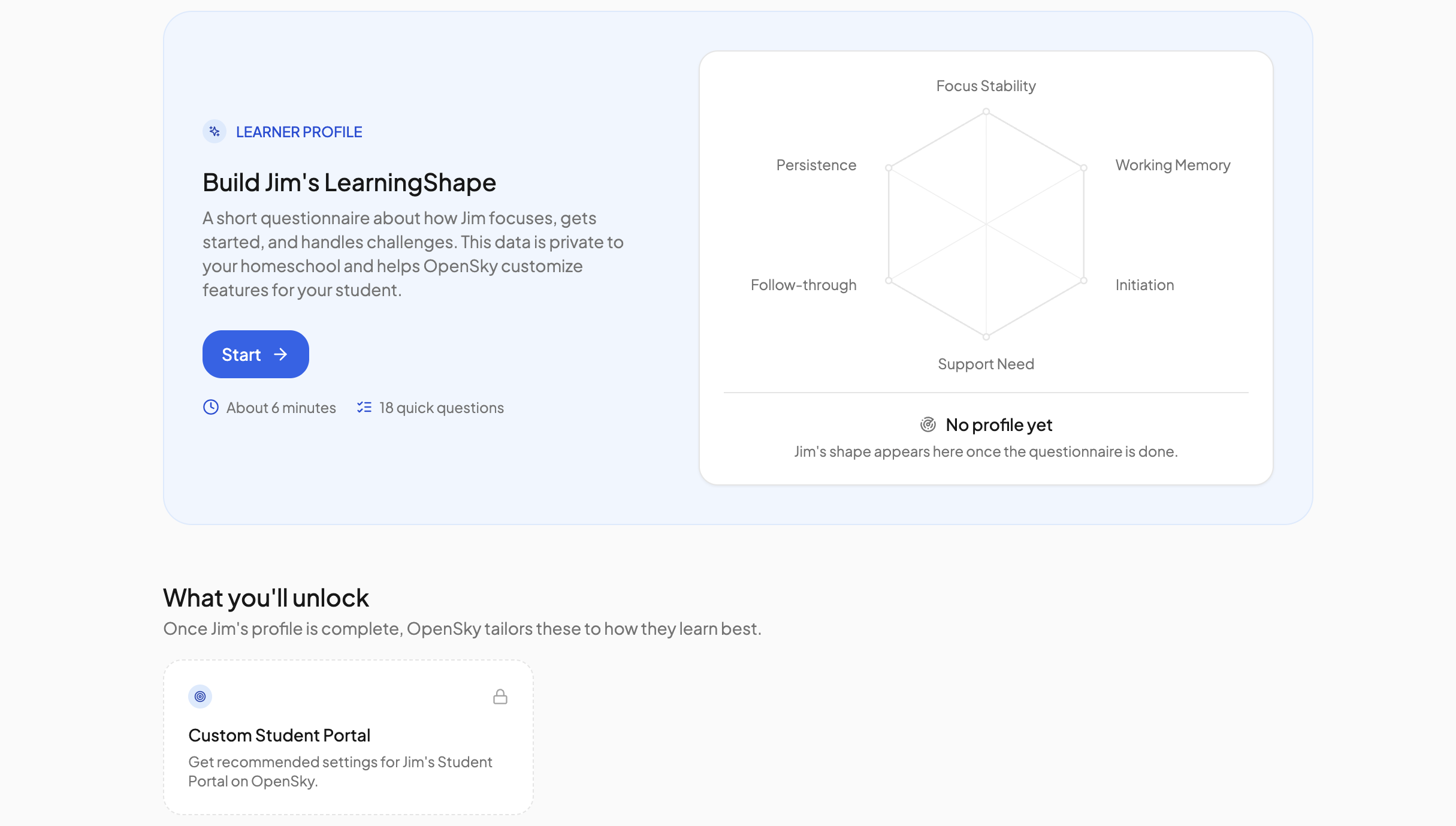
LearningShape is a short questionnaire about how a student focuses, gets started and handles challenges. It builds a profile OpenSky uses to recommend portal settings, and that a connected AI assistant can read when writing curriculum. The data is private to your homeschool.
Filling it in#
- Open the student's page and click the Learning Shape tab.
- Click Start. There are 18 quick questions, about six minutes. Come back later and the button reads Resume.
- The first step, Learning Considerations, is optional: tick anything that applies, such as ADHD or dyslexia, and add detail in the text box. Then there is one step per area: Instruction Format Preference, Attention & Focus Stability, Working Memory Capacity, Task Initiation (Starting Tasks), Support Requirement, Execution / Follow-through, Persistence & Frustration Tolerance and Motivation & Engagement Drivers, which also asks about long-term goals and favourite activities.
- Use Next, Back and Skip to move between steps. Answers save as you go, and Save & exit leaves the questionnaire at any point. Click Finish on the last step.
Results unlock once the questions behind the six dimensions are all answered; the footer shows how many questions are still unanswered.
What it produces#
- A radar chart of six dimensions, each scored 1 to 4: Focus Stability, Working Memory, Initiation, Support Need, Follow-through and Persistence. If the student has a birthday on file, a dashed line shows what is typical for their age and each dimension is labelled relative to it.
- A one-line summary of where the student is strongest and which areas to support.
- An About card with the student's age, Long-term goals, Learning Considerations and Loves, each with a pencil that reopens the matching step.
- Recommended portal setup: suggested Student Portal settings, grouped like the settings page, each with a reason and Apply or Reject buttons. Apply all takes the lot, Open portal settings jumps to the Student Portal tab, and Regenerate asks for a fresh set. Only recommendations that differ from the student's current settings are shown. See Permissions.
Click Retake questionnaire whenever the student's habits change. Previous answers stay filled in, and the shape updates as you answer.
The AI Connector#
A connected assistant can read a student's LearningShape: the six dimensions, instruction and motivation preferences, learning considerations, goals, interests, current courses and your homeschool approach. It uses them to tailor pacing, task types and directions when it builds curriculum. It can only read the profile; the questionnaire is filled in here. See AI Connector.
Need more help?#
Reach out any time at support@openskyplanner.com and we will be happy to help.