
Referrals and rewards
Share your referral link and see what you and the families you invite receive.
Updated
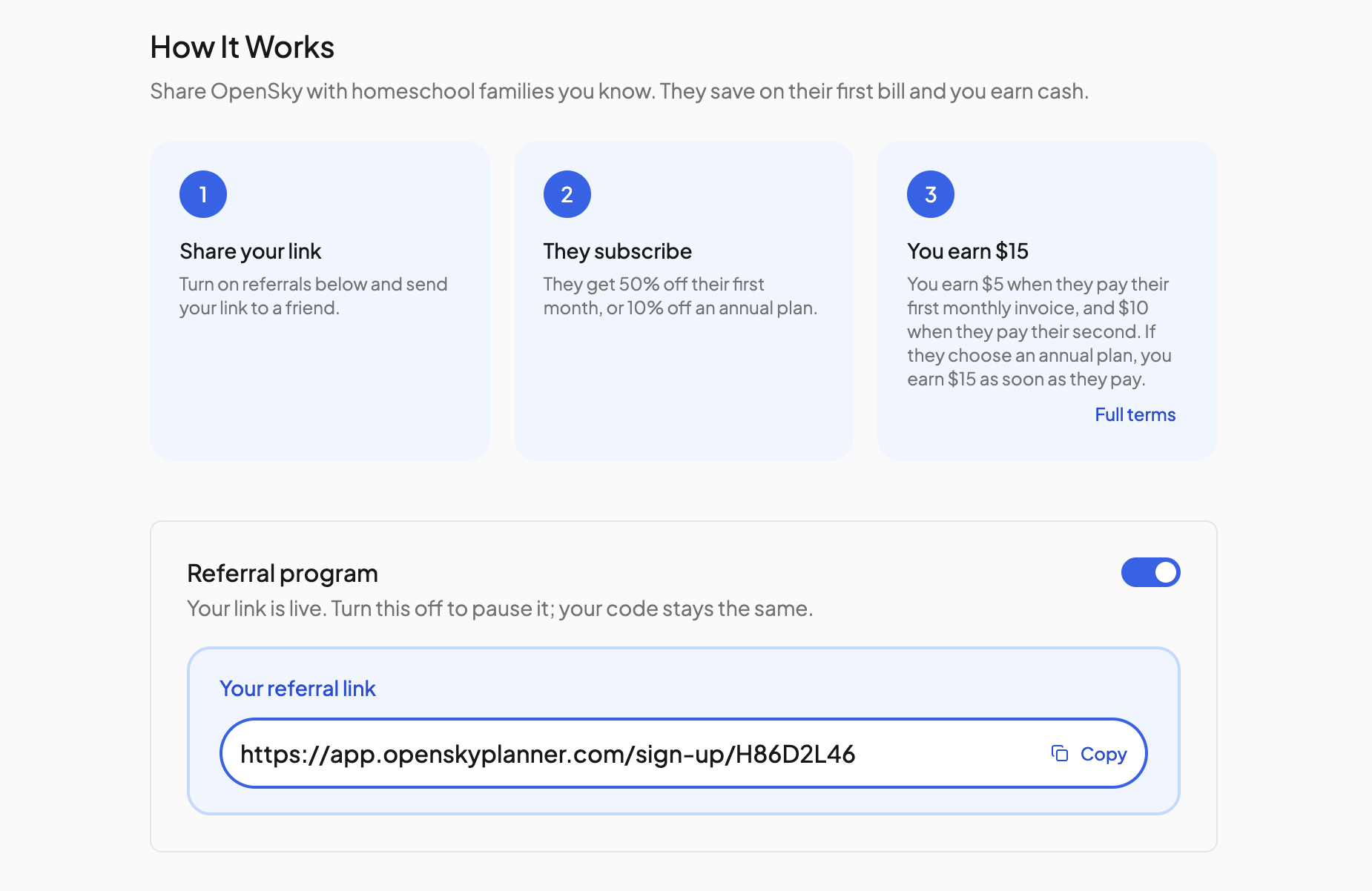
Share OpenSky with another family and you both come out ahead. They get a discount, and you earn up to $15 once they subscribe and stay.
Getting your link#
- Click the three dots "..." near your profile icon and go to Settings, then Referrals in the left nav.
- Turn on the Referral program switch.
- Click your link under Your referral link to copy it, and share it however you like.
What the family you refer gets#
When they sign up through your link, their discount is applied automatically: 50% off their first month, or 10% off if they choose an annual plan. The sign-up page tells them who invited them. If they enter a separate promo code at checkout, it replaces the referral discount.
What you get#
Up to $15 for every family that subscribes. For a monthly subscription you earn $5 when they pay their first month and $10 when they pay their second. For an annual subscription you earn the full $15 when they pay. The OpenSky team sends your reward once the referred family has paid.
The page keeps score for you:
- Earned so far and Pending payout at the top.
- A Referrals table listing each homeschool, when they signed up, their status (Signed up, Subscribed or Retained) and the reward, marked (pending) until it has been sent.
Rules#
- Only new accounts created through your link count. An existing OpenSky account cannot be referred, and you cannot refer yourself.
- Turning the Referral program switch off keeps your code, but the link stops working and sign-ups through it do not count until you turn it back on.
- Click Full terms on the page for the complete program terms.
Need more help?#
Reach out any time at support@openskyplanner.com and we will be happy to help.